
Multipoint Server
MultiPoint Server lets one computer power many user stations, so schools and training centres can build labs for less. Computer Works Uganda has installed MultiPoint Server labs for schools, youth centres and institutions across Uganda. We supply the hardware, set up the software and train your staff.
The Computer Laboratory in Uganda
Microsoft’s Windows MultiPoint Server Systems redefine what’s possible in modern computer laboratories, whether you’re equipping a school, youth center, or training facility. One Server, Many Stations.
Why Choose MultiPoint Server for Your Lab?
One Server, Many Stations
First, run multiple independent user sessions from a single host computer, cut hardware costs without compromising performance.
Plug-and-Play Scalability
Also, easily add new stations as your lab grows. As a result, there is no need for complex networking or expensive upgrades.
Centralized Management
In addition, monitor, manage, and maintain all user sessions from one dashboard. That is why IT administrators love the control and simplicity.
Energy-Efficient & Budget-Friendly
Above all, reduce power consumption and hardware expenses, ideal for organizations focused on sustainability and cost-effectiveness.
In short, Windows MultiPoint Server Systems help institutions to cut costs and overcome common tech barriers. By running multiple user stations from one host computer, labs save up to 20–30% on electricity, internet bandwidth, and hardware maintenance. Therefore, this setup is ideal for areas with unstable power or limited connectivity, offering a reliable, low-cost solution for digital learning and community access.
Windows Multipoint Server:

Computer Works Team after handover of Windows MultiPoint Server System at Sure Prospects School – Entebbe

Computer Works’s National Sales Manager hands over Windows MultiPoint Server System Lab at Buddo Christian Secondary School – Buddo

Computer Works’s Business Development Manager hands over Windows MultiPoint Server System Lab at Glad Tidings Bible College – Makerere
Thanks to Computer Works Uganda and Global Technology Access Foundation’s assistance, more than 30 schools have been equipped with such energy sources. But the power of these units does not exceed 3 kW.
Creating a 20-seat computer class with limited power is tough especially when each PC draws 200 watts (160W for the system unit, 40W for the monitor). With only 3kW available, most schools can barely support 15 stations. The solution? Windows MultiPoint Server Systems. By sharing one host computer across multiple users, you cut power use, reduce hardware costs, and unlock full lab capacity without blowing your energy budget.
But there are other consumers in the school – for example, a pump for supplying water to the toilet, lighting, communications, a printer after all! At first, the situation seems hopeless.
And here the Windows Multipoint Server setup comes to the rescue, which, on the basis of one system unit, allows you to create a multi-user system for up to 15 workplaces. A simple calculation showed us that just under 1.5 kW is needed to create 30 workplaces.
two system blocks 160W x 2=320W
plus two more video cards in each system unit 40W x 4 = 160W
24 monitors 40W x 24=860W
Total 1340 watts (approx.)
For now, the only practical solution is autonomous solar generation. Moreover, both in combination with fuel cells, and using conventional batteries as storage devices.
How is this possible?
In practice, the Windows Multipoint Server System allocates computer resources according to the needs of users connected to it. Since, the power of modern computers in most cases is excessive for solving the problems of one user, we can connect additional monitors, keyboards and mouses and create a multi-user system based on one computer using the WMS. At the same time, each user can work as if they had their own personal computer. They will have their own desktop, own settings and own set of devices they needs.
This example of computerization of schools in Uganda shows how a non-standard approach helps to solve seemingly unsolvable problems.
If you need to carry out computerization in places where there are problems with electricity or it is very expensive – take a closer look at the Windows Multipoint Server System from Computer Works Uganda and you can, not only save on equipment cost, but also reduce electricity consumption and bills!
How a MultiPoint Server Lab Works
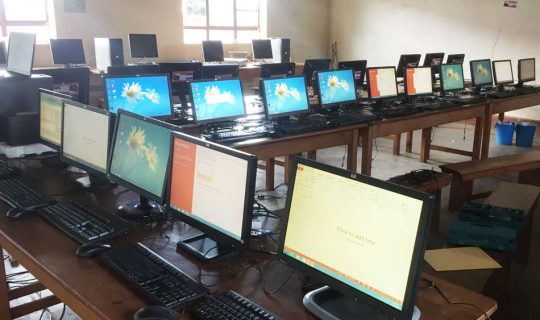
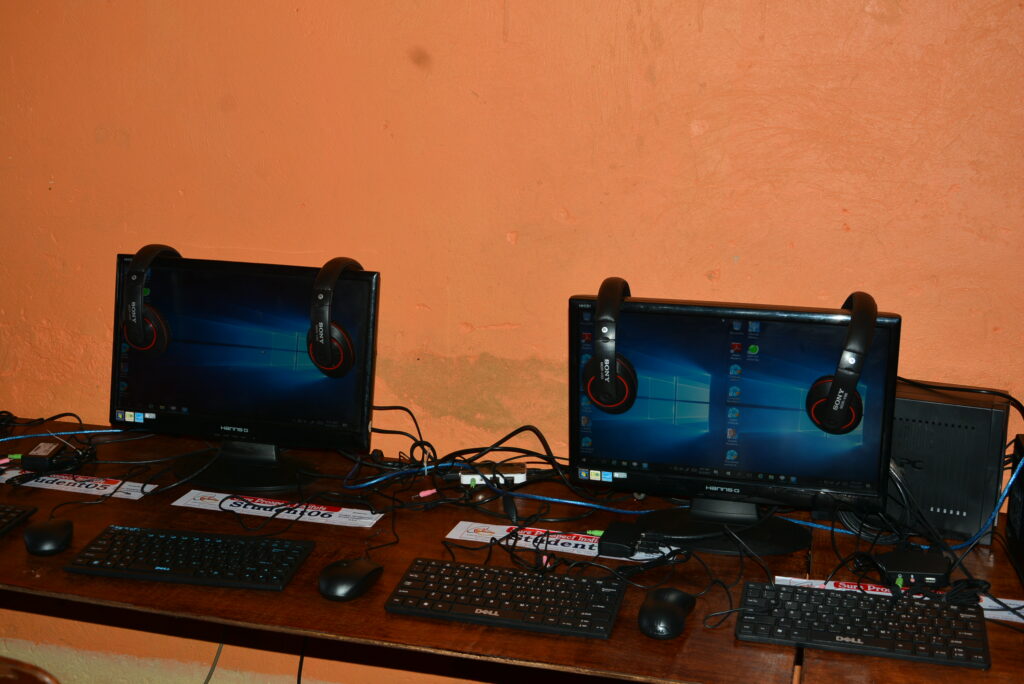
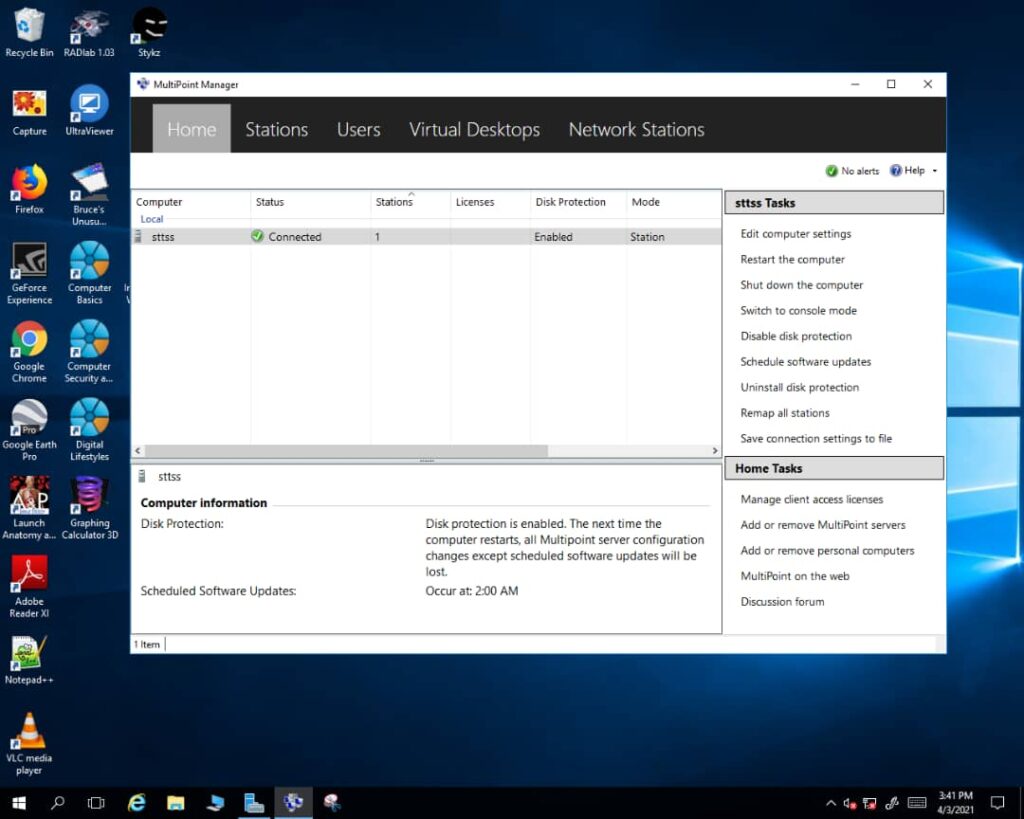
A MultiPoint Server lab uses one powerful host computer to run many user stations. Each station has only a monitor, keyboard and mouse, connected through a small station hub, a USB cable, a video card or the local network. Even so, every student gets an independent Windows desktop, a personal login and private files. In addition, split-screen technology lets two students share one monitor, which cuts hardware costs even further.
Teacher Tools in the MultiPoint Dashboard
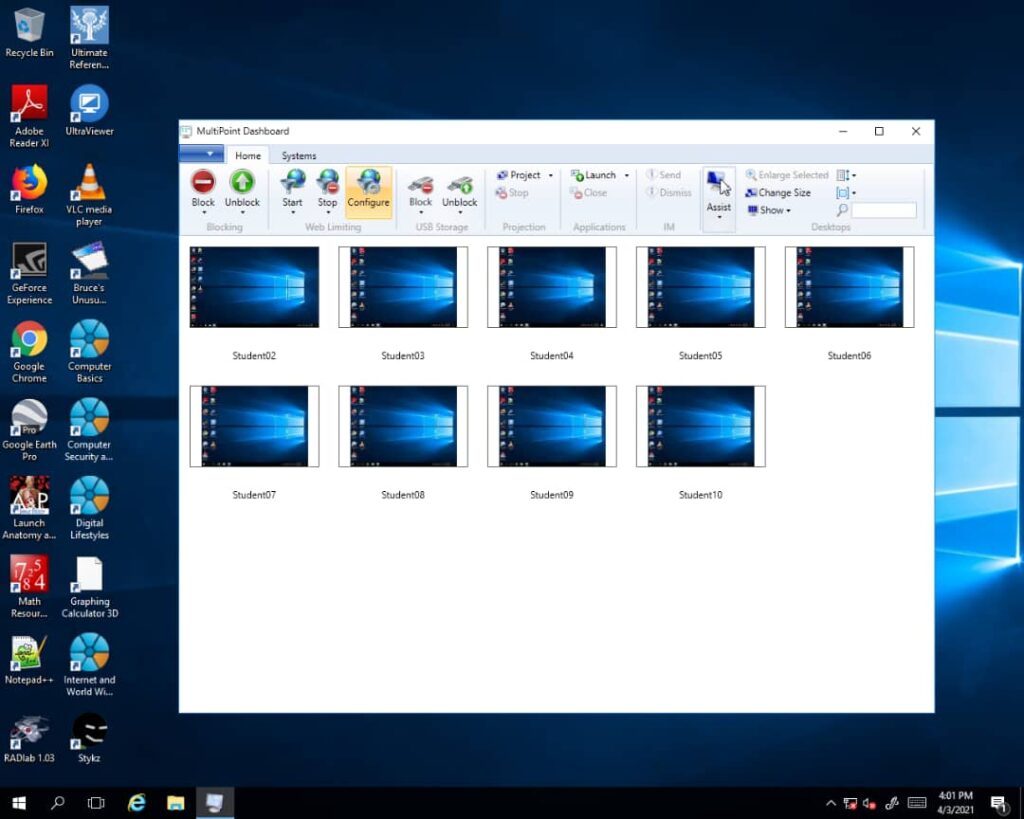
Teachers stay in control of the whole class from one screen. For example, they can:
- See every student screen at once, like a security-camera view, and zoom in on any station.
- Block all stations so learners focus on the lesson.
- Project the teacher’s desktop, or a student’s work, to every screen.
- Open or close applications on any station remotely.
- Take control of a student’s keyboard and mouse to show exactly how to complete a task.
- Allow or block websites with the built-in web limiting tool, instead of buying an expensive firewall.
- Block USB storage to keep viruses out of the lab.
Common Problems in School Computer Labs, Solved
Our inspections of school labs in the Central, Northern and Luwero regions found the same problems again and again. Often only 3 of 8 computers worked. Moreover, student-to-computer ratios reached 1:14 or even 1:20. Here is how a MultiPoint Server lab addresses each issue:
- Viruses from flash drives: Disk Protection resets the system to a clean state on restart.
- High maintenance costs: technicians maintain one host computer instead of dozens of PCs.
- Stolen parts: stations have no RAM or hard disks to remove.
- No UPS for every PC: one UPS protects the host computer.
- Messy cabling: fewer power points and cleaner, safer layouts.
- Slow, mixed hardware: every student gets the same standard, modern experience.
Pre-Installed Offline Learning Software
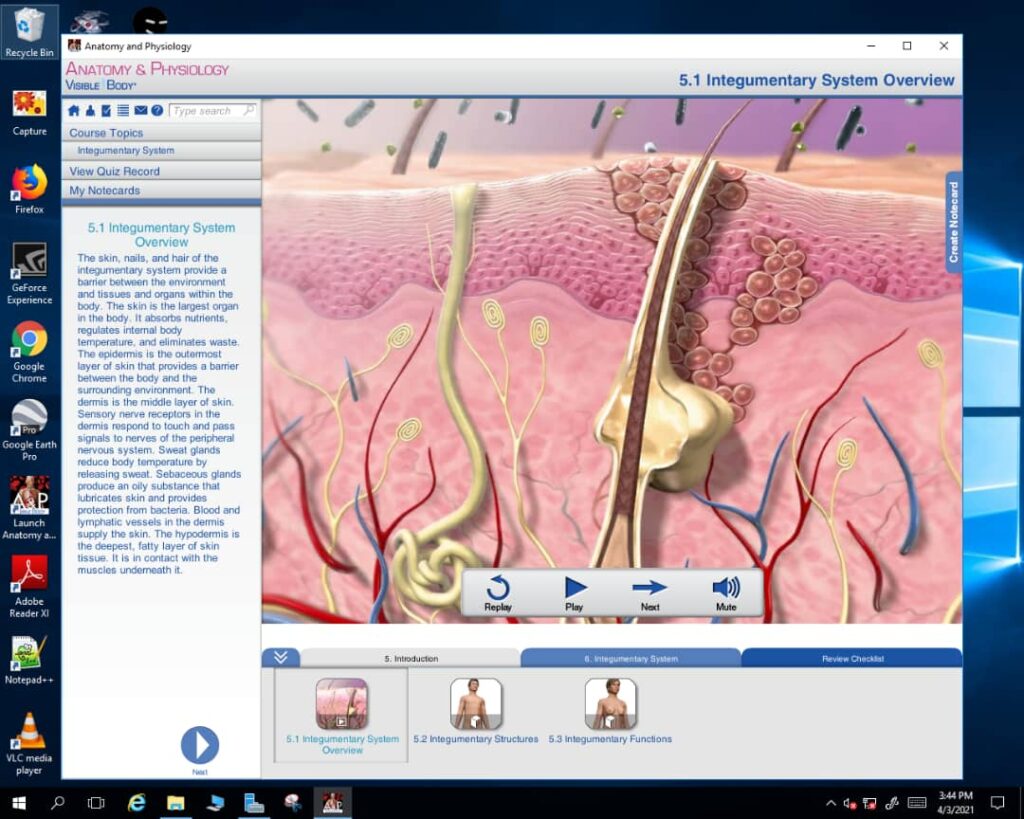
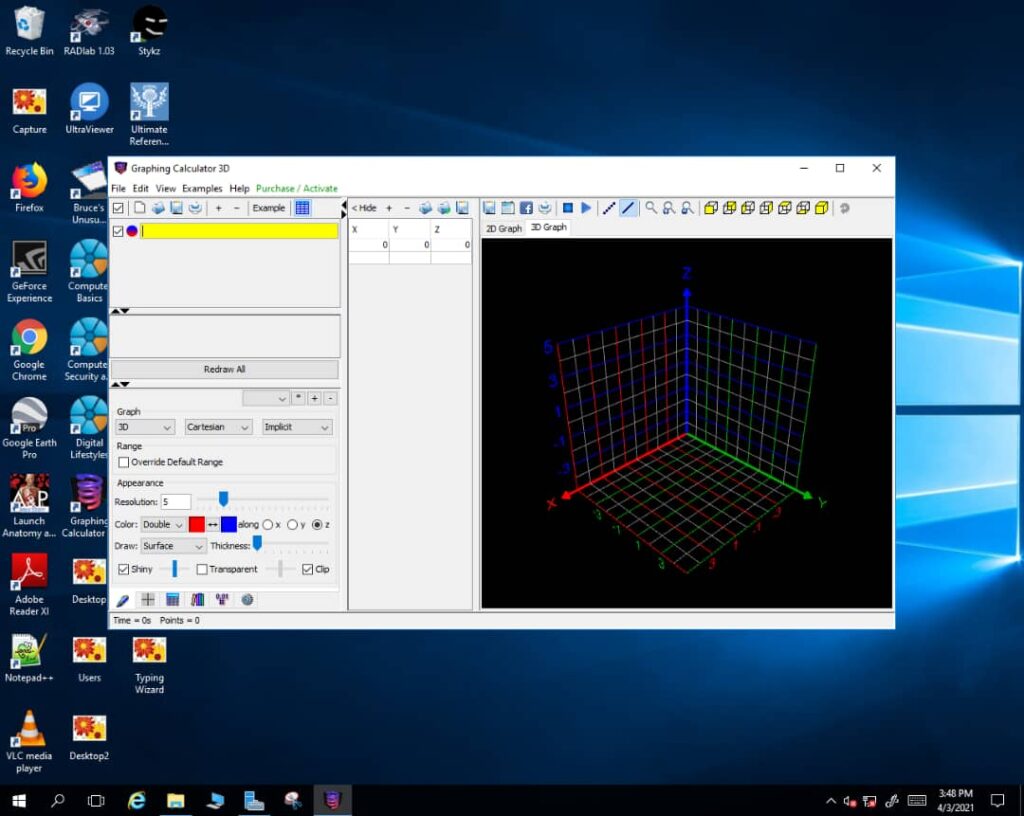
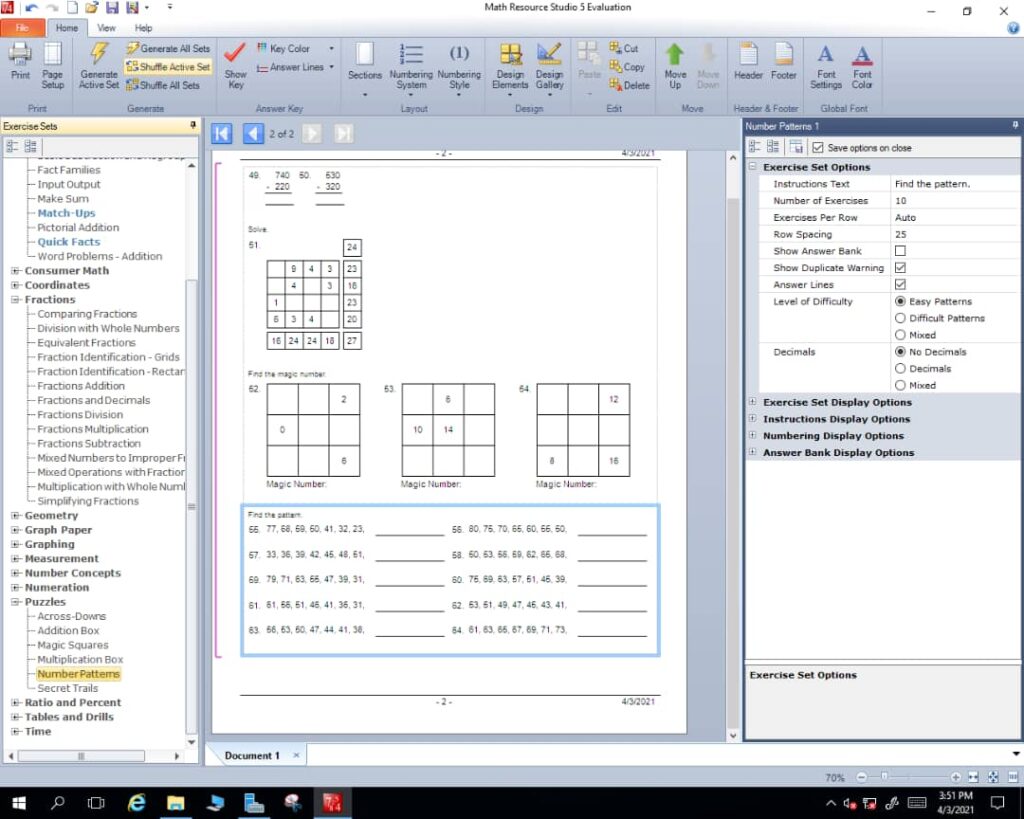
Many schools have slow or no internet. Therefore, every lab comes with licensed Microsoft software and about 15 offline academic applications that work almost like “offline Google”. These include:
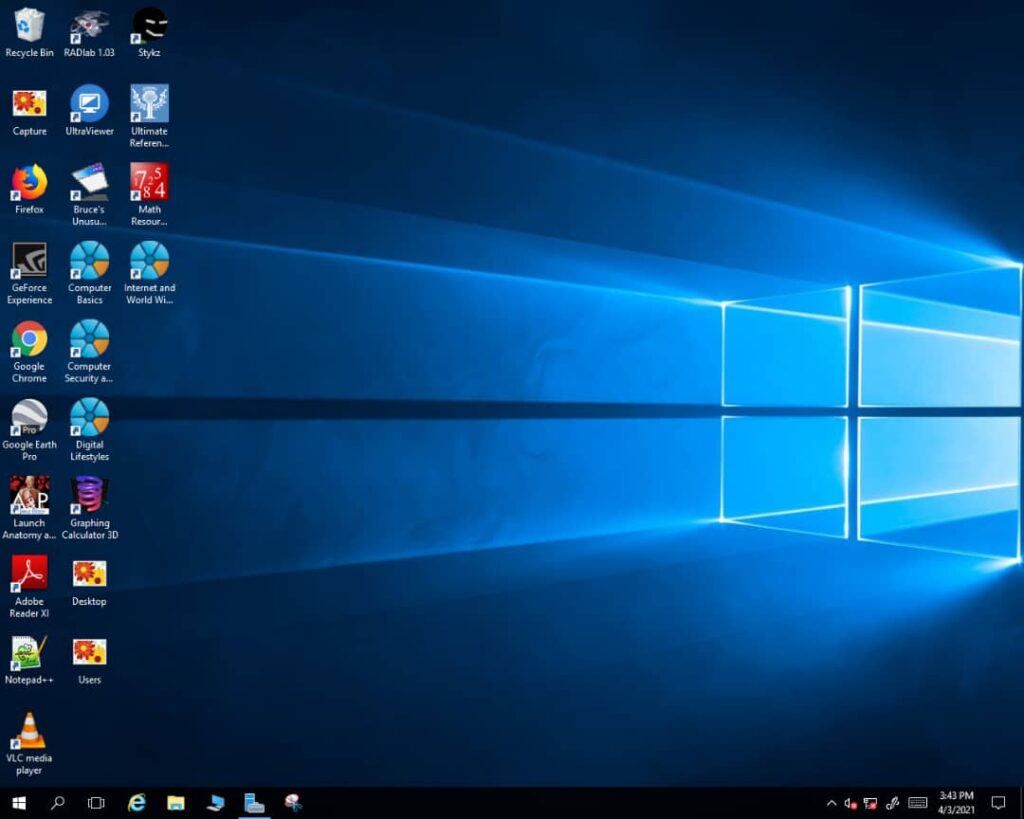
- Windows Server with academic Remote Desktop licences and Microsoft Office Professional Plus
- Encyclopaedia Britannica and Microsoft Encarta
- Human Anatomy and Physiology, Graphing Calculator 3D and maths resources
- Typing Tutor, a dictionary, Adobe Reader and Stykz animation
Cost and Energy Savings
A typical desktop computer and monitor together use about 196 watts. In contrast, a zero-client station uses about 2.5 watts. As a result, schools can save up to 87% on electricity, which also makes solar power practical. Maintenance is simpler too. In our comparison of a 10-station lab, quarterly maintenance costs fell by about two-thirds, because there is only one computer to service, update and protect.
Deployment, Training and Support
Our team usually completes a deployment in one to two weeks. We install the host, stations and software, then train your teachers. After that, you receive 12 months of free service and maintenance, including remote support. For upcountry schools, the school covers transport and accommodation for our team.
Things to consider
Station hubs often have limited USB ports, so an inexpensive USB hub may be needed. Also, heavy graphics software such as Photoshop may need extra RAM or a better graphics card on the host.
Schools Using Our MultiPoint Labs
Our labs serve schools including Lango College (Lira), St. Mary’s College Namagunga, Buddo Christian Secondary School, Lifeline Secondary School (Bukedea), Maluku Secondary School (Mbale), St. Charles Lwanga Kalungu Girls Training Centre, Mary Reparatrix Secondary School (Entebbe), Muyenga High School, St. Mary’s Namaliga Secondary School (Bombo) and Mbabaali Memorial Primary School. Eligible schools can also apply through our school computer donation programme.
Inside a Recent Lab Launch
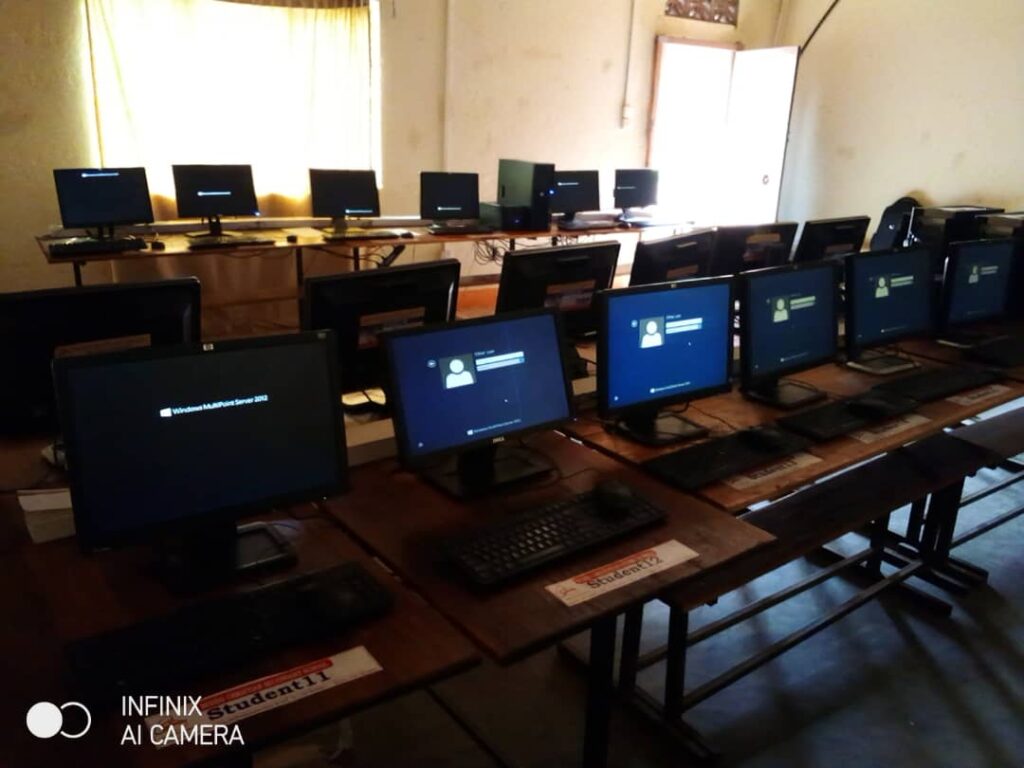
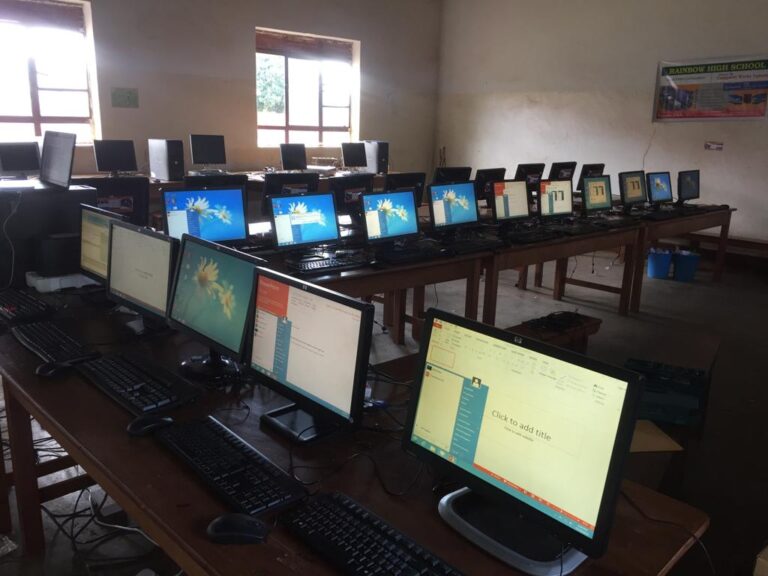
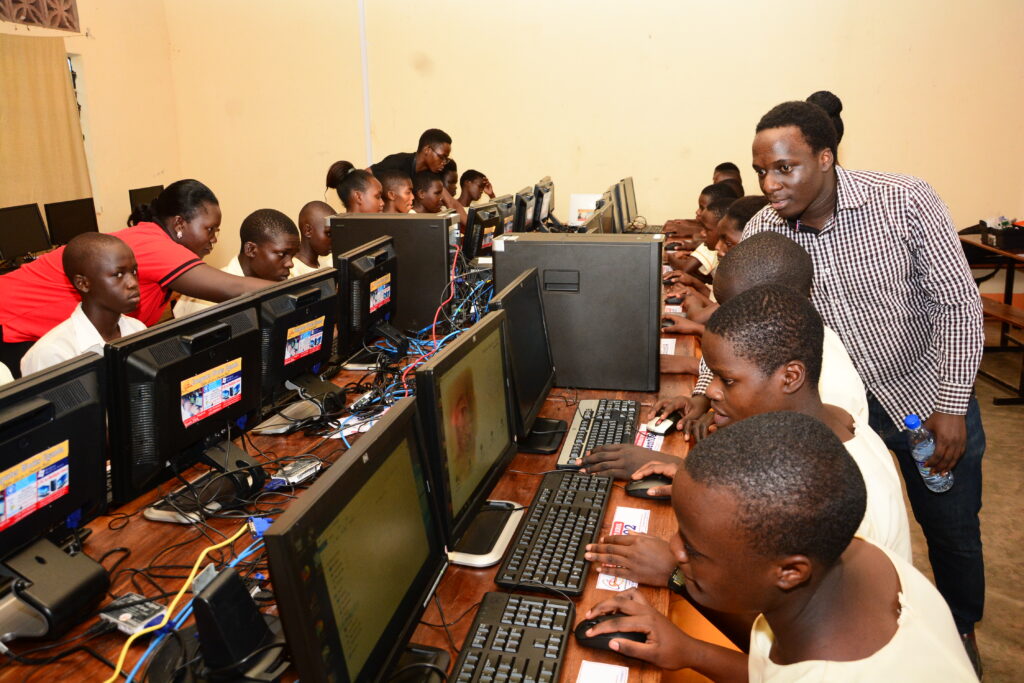
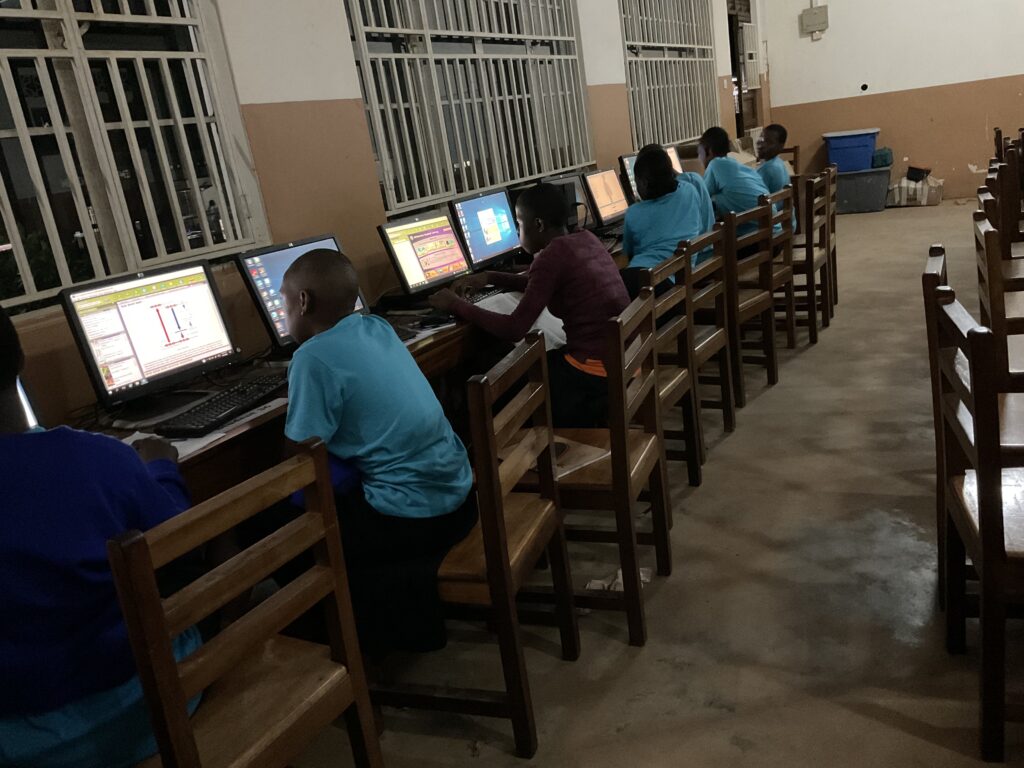
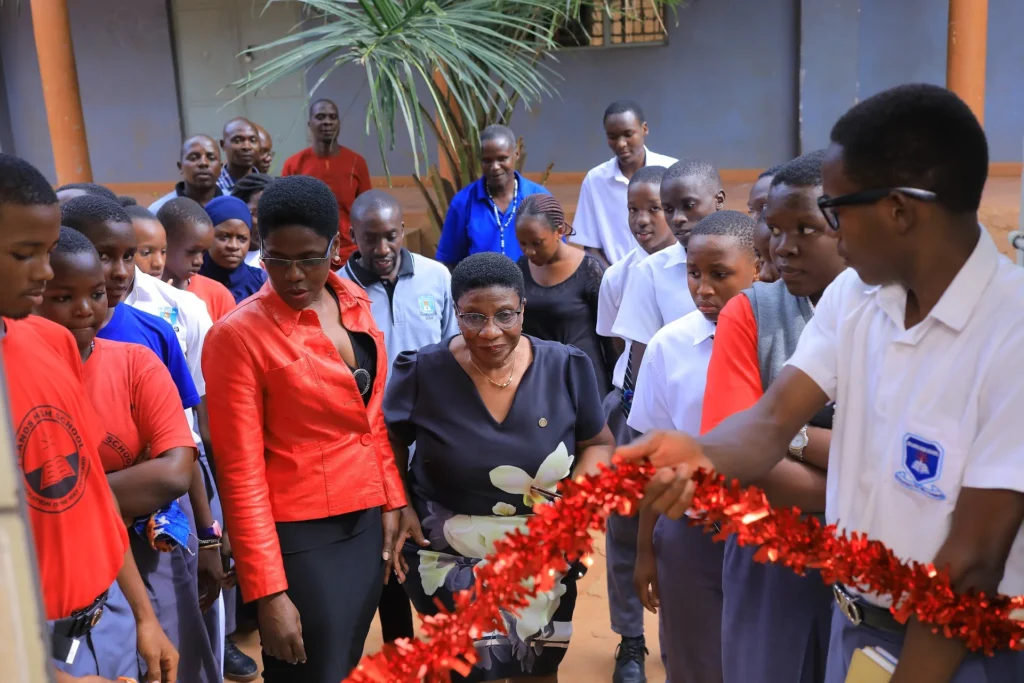
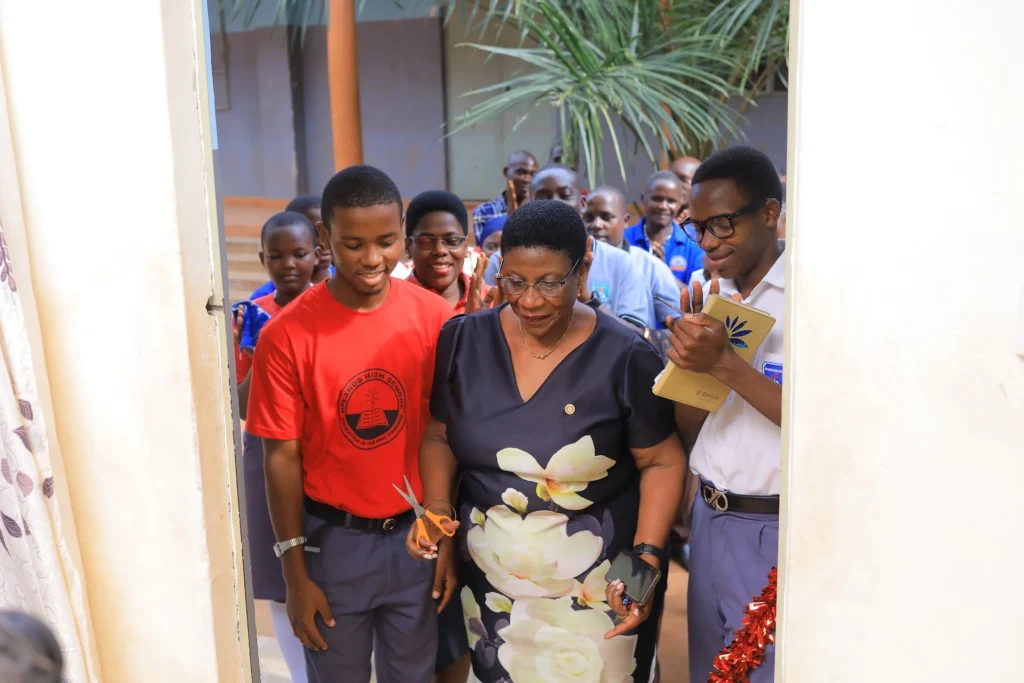
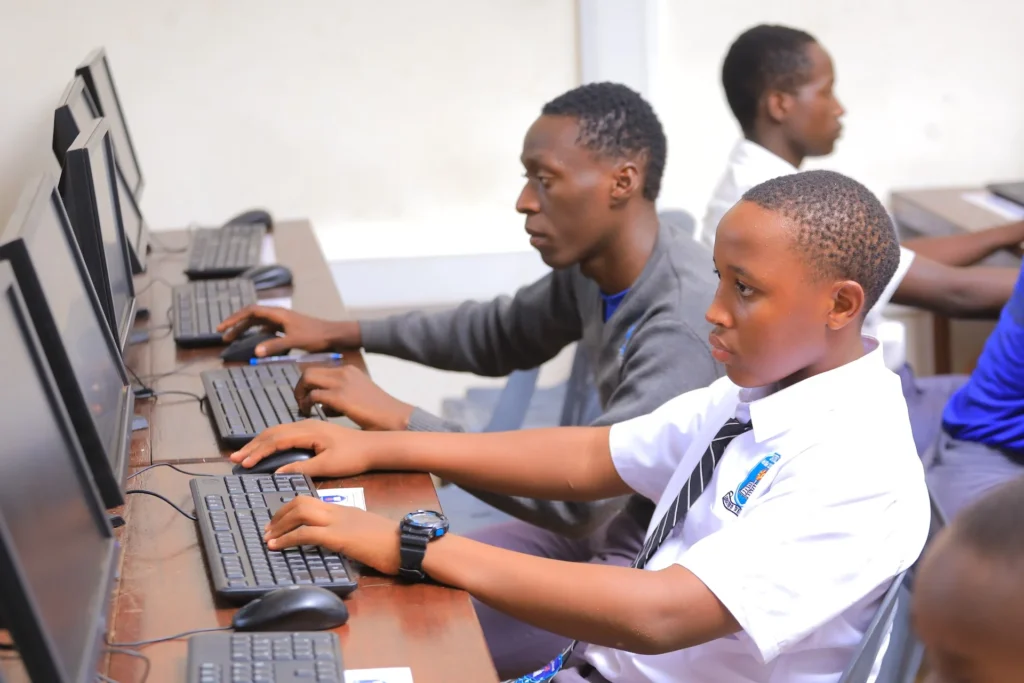
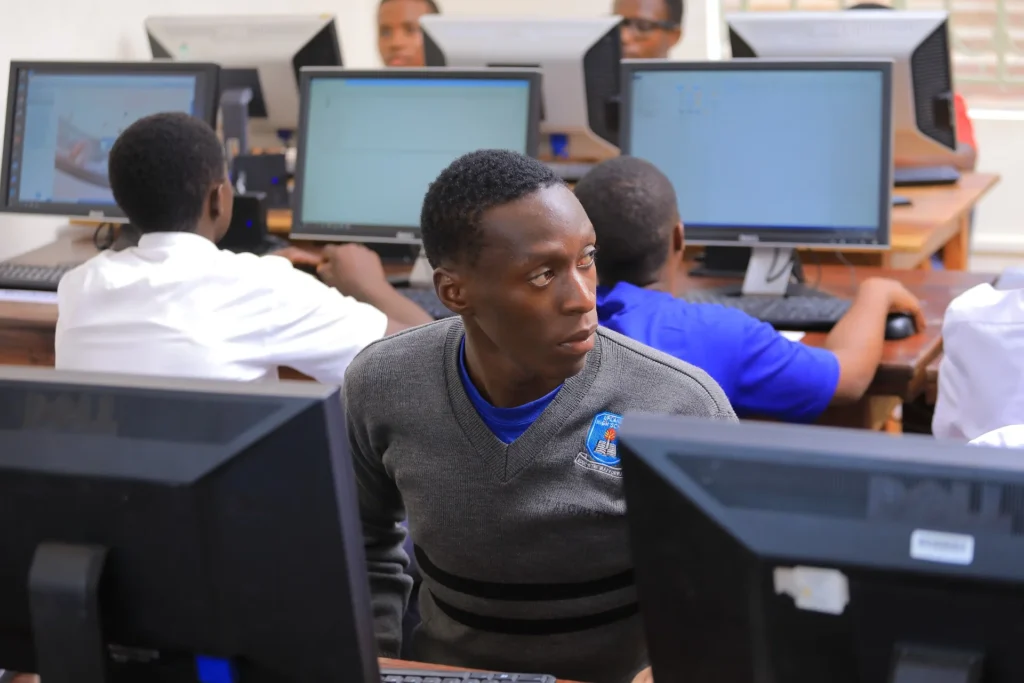
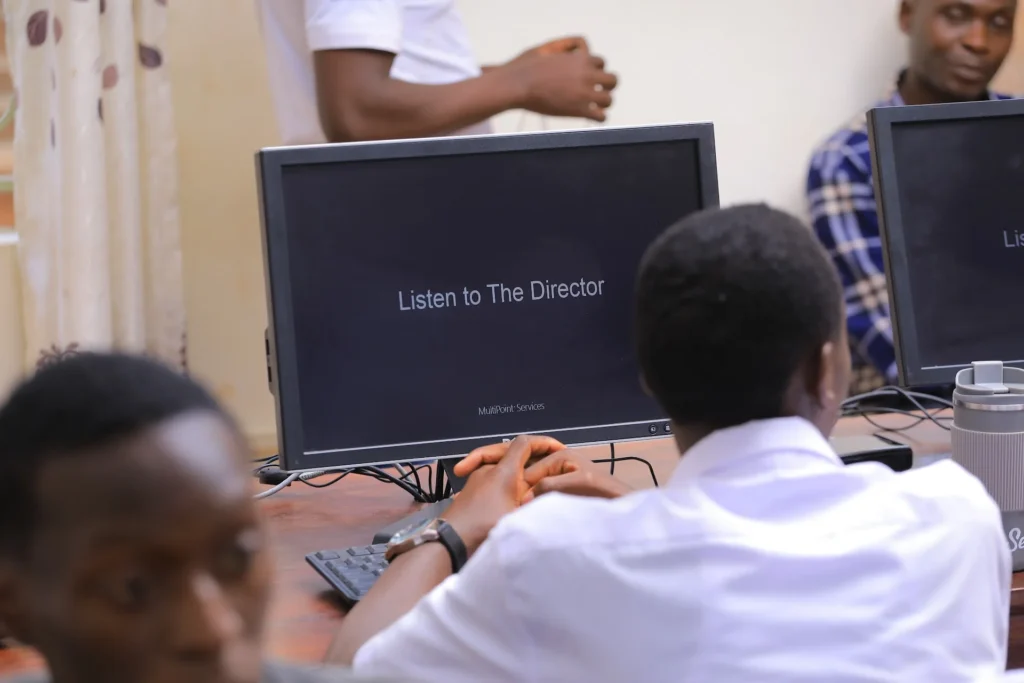
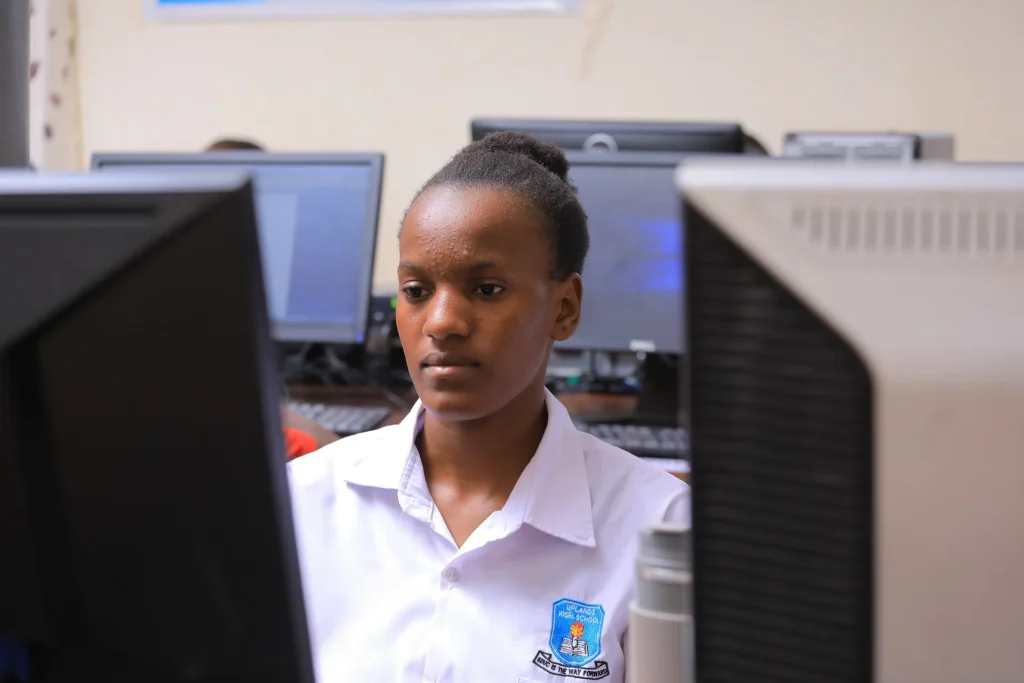
These photos come from one of our recent MultiPoint Server lab launches. First, school leaders officially opened the lab. Then students got straight to work, typing, researching and following the teacher’s screen broadcasts.
Benefits of a MultiPoint Server Lab
- Lower cost per seat than buying full PCs
- Less power use, ideal for solar and backup power
- Central control for teachers and lab managers
- Simple maintenance with one host to update
- Room to grow by adding stations later

What We Deliver
First, we visit your site and plan the lab layout, power and furniture. Next, we supply the host computers, monitors, keyboards and station devices. Then we install and configure the software, including learning resources. Finally, we train teachers and provide support. As a result, your lab is ready for lessons from day one.
We also offer computer lab management, a school management system and computer leasing for exams and training. For cloud-based desktops, see Azure Virtual Desktop. For the national ICT curriculum, visit the National Curriculum Development Centre.
Talk to an expert today. Contact Computer Works Uganda, call +256 701 385898 or visit us at Kira House, 2nd Floor, Room 29A, Kampala.