Azure Virtual Desktop Explained: Your Office Computer, Anywhere
Azure Virtual Desktop Explained: Your Office Computer, Anywhere
 John Kyakuwa
Imagine switching on any computer, at home, in a school lab or even on a tablet, and seeing your own office desktop, with all your files and programs. That is what Azure Virtual Desktop does. In this article, I will explain it in plain language, without the technical jargon.
What Is Azure Virtual Desktop?
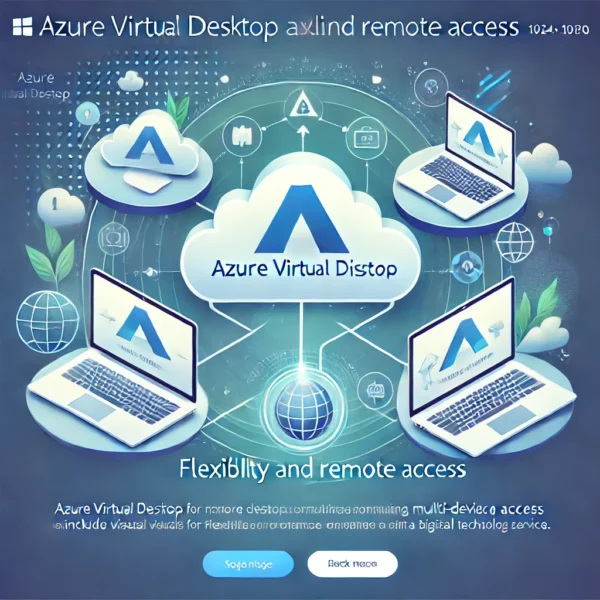
Azure Virtual Desktop is a Windows computer that lives in Microsoft’s secure cloud instead of under your desk. You reach it over the internet. The screen you see is sent to your device, while the real work happens in a Microsoft data centre.
Think of it like mobile money. Your money is not inside your phone; the phone simply gives you access to it. In the same way, your desktop is not inside your laptop. Your laptop simply opens it.
Why Should an Ordinary User Care?
- Work from anywhere. Your desktop looks the same on a laptop, an old PC, a thin client or a tablet.
- Your files are safe. If your laptop is stolen or breaks, your work is still in the cloud.
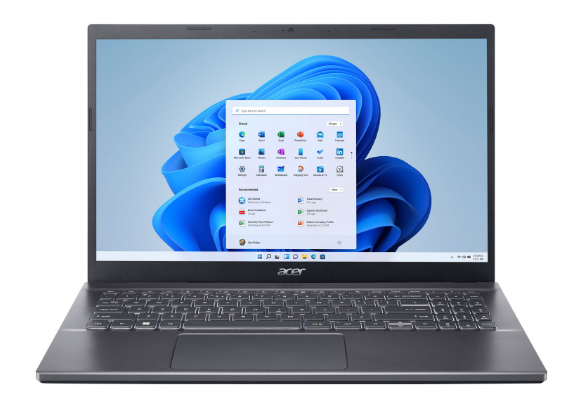
- Old computers get a second life. Even an older Windows 7 or Windows 10 PC can become a fast “window” to a modern desktop.
- Less time fixing computers. Updates and security are handled centrally, so staff spend more time working.
- You pay for what you use. There is no need to buy an expensive server upfront.
How Does It Work in Real Life?
First, your IT team sets up the desktops in Azure. Next, each user installs the free Microsoft Remote Desktop app, or uses a web browser. Then you sign in with your work account and click your desktop. That is it. From that moment, it feels like a normal Windows computer.
At Computer Works Uganda, we often convert a school’s or office’s existing PCs into simple thin clients. As a result, the organisation saves money on new hardware and still gets a modern, secure system. You can read more on our Azure Virtual Desktop service page.
Is Azure Virtual Desktop Right for You?
It is a great fit if you have staff who travel or work from home, a computer lab with ageing machines, or sensitive data that should not sit on laptops. However, you do need a reasonably stable internet connection. For this reason, we always check your connectivity before we recommend it.
Frequently Asked Questions
Do I need to be an IT expert?
No. If you can use Windows, you can use Azure Virtual Desktop.
Does it work with Microsoft Office?
Yes. It works very well with Microsoft 365, including Word, Excel, Outlook and Teams.
What if the internet goes off?
Your work is saved in the cloud, so you simply reconnect and continue where you stopped.
If you would like to see Azure Virtual Desktop in action, book a free demo with our team. For more details, see Microsoft’s official overview.
About the author: John Kyakuwa is the founder and Executive Director of Computer Works Uganda. He started the company in 2005 to make technology accessible to every Ugandan. Need help? Contact our team or call +256 701 385898.